How To Transfer Your
Recurring Giving

We are transitioning our online giving platform from Pushpay to a new, all-in-one platform called Subsplash. This switch allows us to consolidate our technology and significantly lower our processing fees. By reducing these overhead costs, we can direct more funds straight toward our mission and ministries.

What this means for you:

Our absolute deadline to fully shut down Pushpay is September 30, 2026.

  • If you give one-time gifts: You can immediately begin by using our new platform. Simply head over to our website’s updated Giving Page, or access Giving through the App.
  • If you have a recurring gift set up: We need you to take action before September 30, 2026. Because your payment data is securely encrypted, we cannot transfer your recurring gift for you.
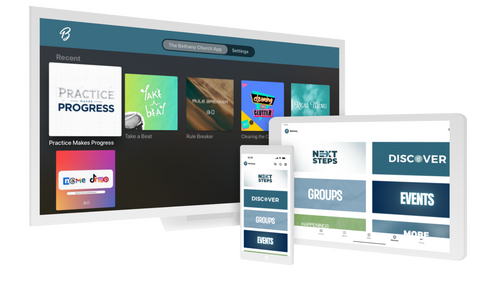
Please follow the simple, 2-step process below to safely make the switch.


STEP 1: Cancel your recurring gift in PushPay

1. Log into your account at Pushpay.com

2.  Navigate to your Schedules tab on the left, or from your main Summary dashboard.

3. Select your active gift, click Edit, and then select Cancel

1. Log into your account at Pushpay.com

2. Navigate to your Schedules tab on the left, or from your main Summary dashboard.

3. Select your active gift, click Edit, and then select Cancel

STEP 2: Set up your new recurring gift

1. Go directly to our Giving Tab in the Bethany Church App

2. Enter your desired gift amount and select frequency

3. Choose Log In / Create an Account to securely link your banking details or card

4. Confirm your recurring schedule

1. Go directly to our Giving Tab in the Bethany Church App

2. Enter your desired gift amount and select frequency

3. Choose Log In / Create an Account to securely link your banking details or card

4. Confirm your recurring schedule

DOWNLOAD THE APP